Tipp-Ex Cheat Sheet
Among all the tricks for making cheat sheets in an exam and all the techniques for copying in exams, the Tipp-Ex cheat sheet is one of our favorites. However, we cannot forget our all-time favorite: the Monorean earpieces 🙊.
Fundamentally, there are two ways to make cheat sheets with Tipp-Ex: using a template to replace the Tipp-Ex label or hiding an exam cheat sheet under the Tipp-Ex label.
If you are already an expert and are here just for a Tipp-Ex template, simply scroll to the end of this article or click here.
How to Make a Tipp-Ex Cheat Sheet
Tipp-Ex Cheat Without a Template
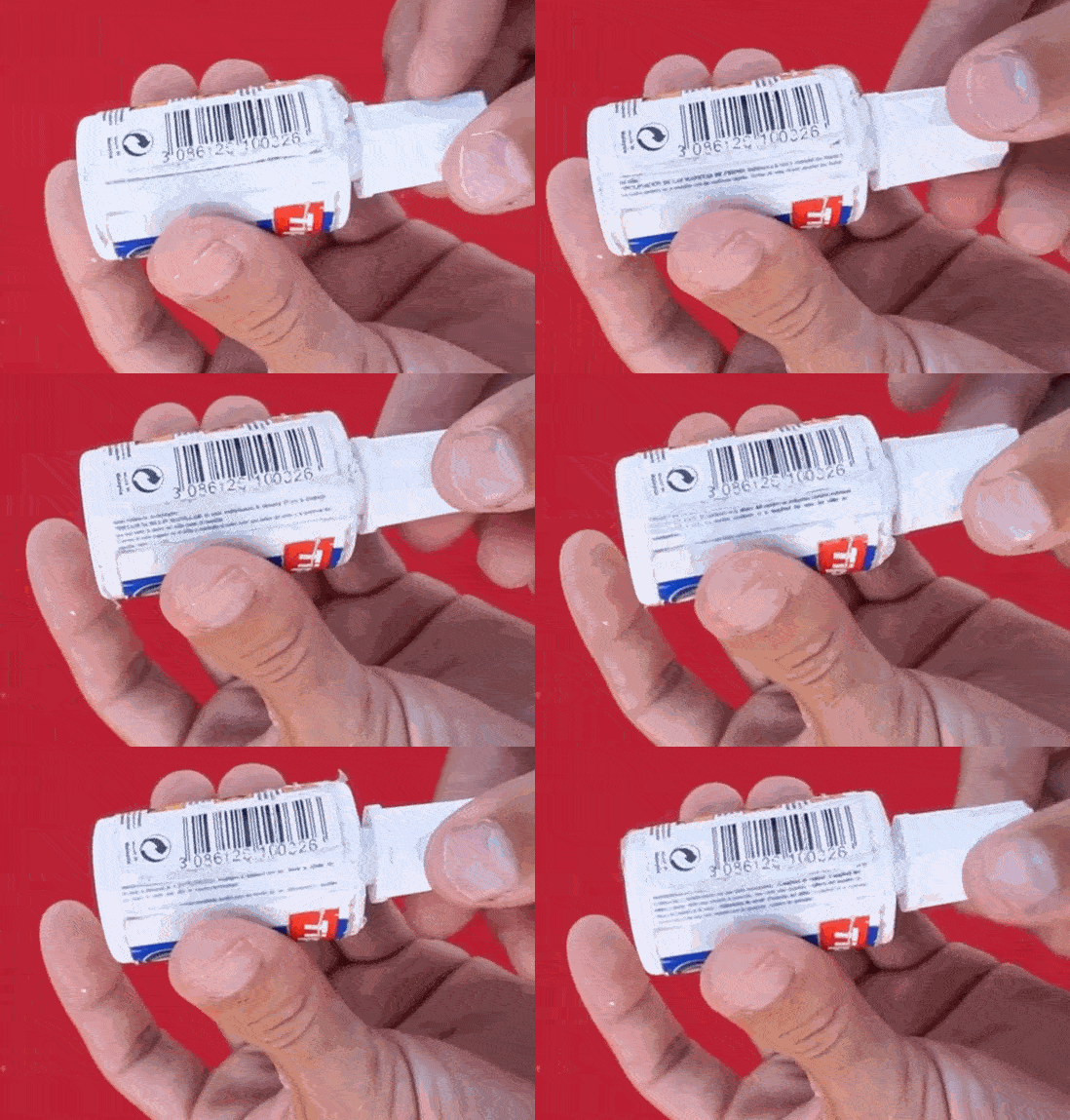 Tipp-Ex Cheat rotating to reveal exam content.
This is possibly the best cheat sheet for an exam, so get ready to learn how to make a good exam cheat sheet.
What you will need:
- A Tipp-Ex correction fluid, preferably brush-style.
- Glue stick or white glue.
- Scissors.
How to make the Tipp-Ex cheat sheet:
- Remove the Tipp-Ex label without tearing it.
- Clean all adhesive residue with soap from both the label and the Tipp-Ex bottle. The bottle will remain white.
- Now, you need to create your paper cheat sheet. This will be pasted onto the Tipp-Ex bottle, so it should be the same width and length as the original label. You can use Word, but we recommend using CheatSheetEditor.com to create exam cheat sheets.
- Print your cheat sheet and cut it out with scissors.
- Paste the cheat sheet onto the Tipp-Ex bottle using white glue.
- Now, reapply the original Tipp-Ex label over the cheat sheet and seal it with transparent tape. This video explains perfectly how to apply the tape from minute 2:39.
Since we cleaned the adhesive from the original Tipp-Ex label and because it does not fully close, we can read our cheat sheet through the small opening left exposed.
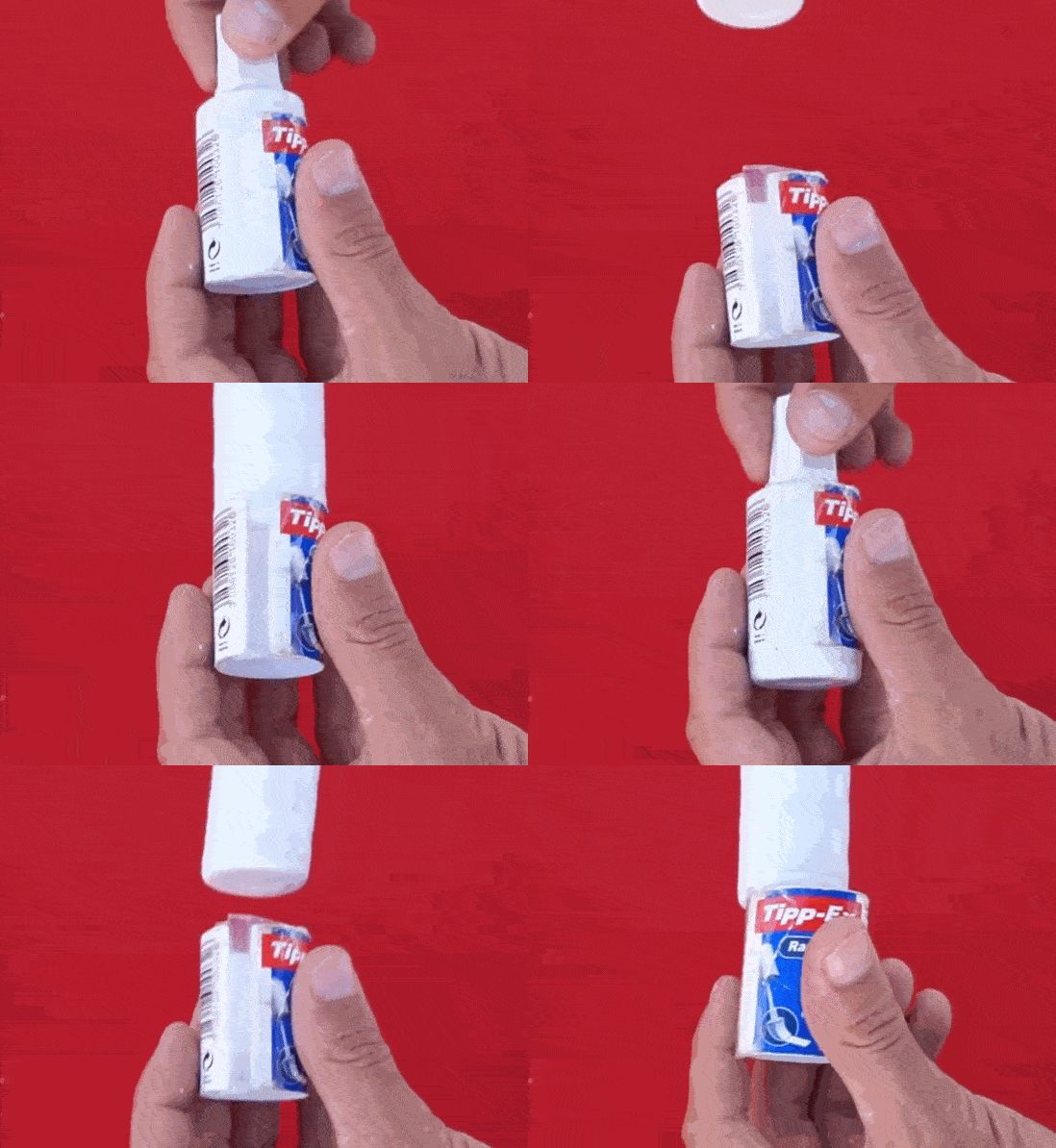 Tipp-Ex Cheat Demonstration.
The advantage of this Tipp-Ex cheat is that if you use very small text, you can include a lot of information. Additionally, you don’t need to use a specific brand of Tipp-Ex. You can make the Tipp-Ex cheat with any correction fluid bottle. If the Tipp-Ex brand you choose has a label that extends from edge to edge, you can trim it slightly so it doesn’t fully close, allowing you to see the hidden cheat sheet behind the original label. That’s why we consider this cheat method as expert level—or as the video suggests, “God-level exam cheating” 🤣.
Tipp-Ex Cheat Template
Tipp-Ex cheats with templates involve printing a Tipp-Ex template (if you search Google for Tipp-Ex cheat template, you’ll find several models), writing your cheat sheet on it, and replacing the original label with your custom one.
To simplify creating the Tipp-Ex cheat with a template, you can use the Xuletas cheat sheet program, which allows you to print your cheat sheet directly onto a Tipp-Ex template. They have created a Word-like tool for Tipp-Ex cheat sheets, where you can write and align your text while viewing the Tipp-Ex template.
Here are some Tipp-Ex templates created by our creative team at Monorean. You should import them into Word, resize the image to match the template dimensions, and create a text box in the blank space where you will write your exam cheat sheet.
We recommend attaching the Tipp-Ex template with transparent tape to make it glossy and better imitate the original label.
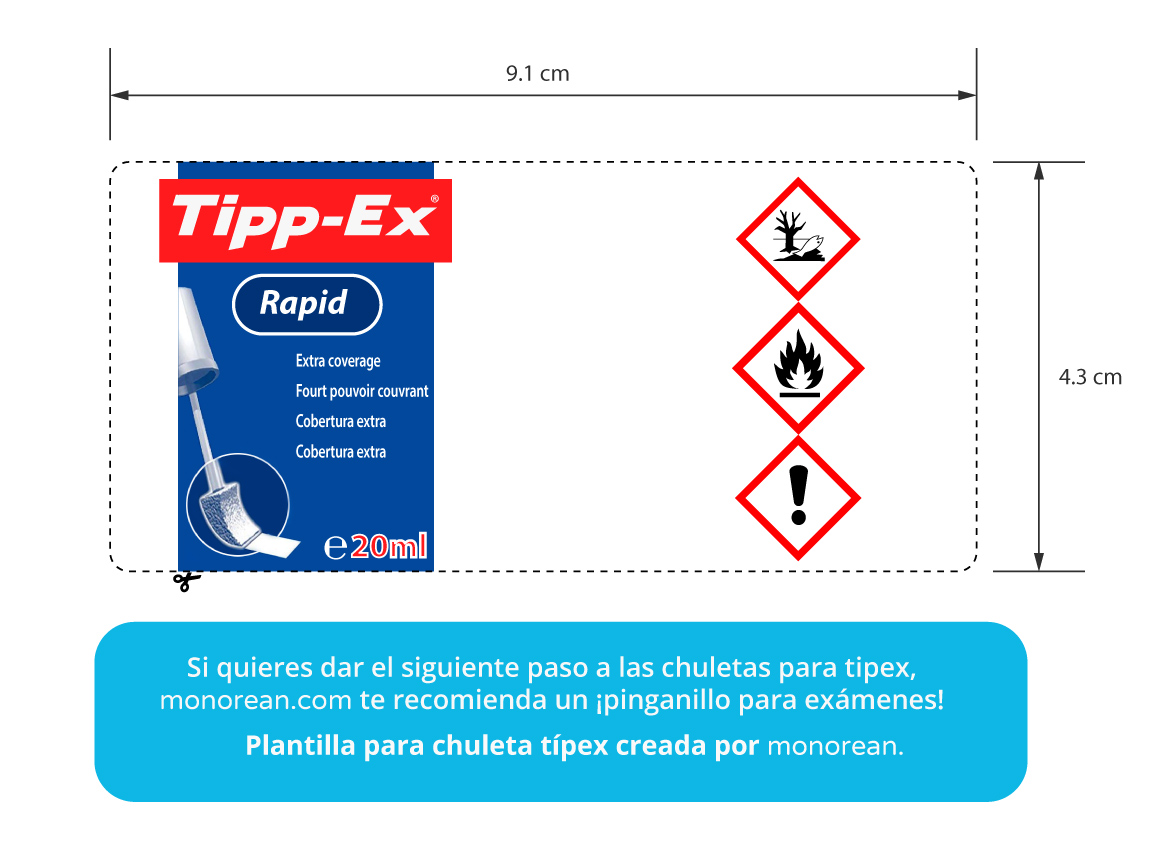
Template for Tipp-Ex Bottle
This Tipp-Ex template is for sponge applicator correction fluid from the Tipp-Ex brand.
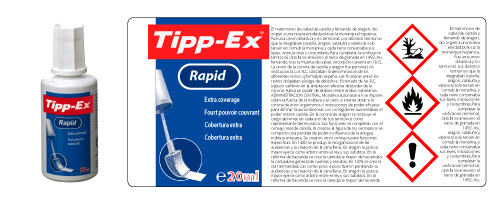 Preview of Tipp-Ex Bottle Template.
Link to download Tipp-Ex template in PDF (editable) Link to download full-quality Tipp-Ex template Link to download Tipp-Ex template for Word
Template for Tipp-Ex Shake’n Squeeze Pen
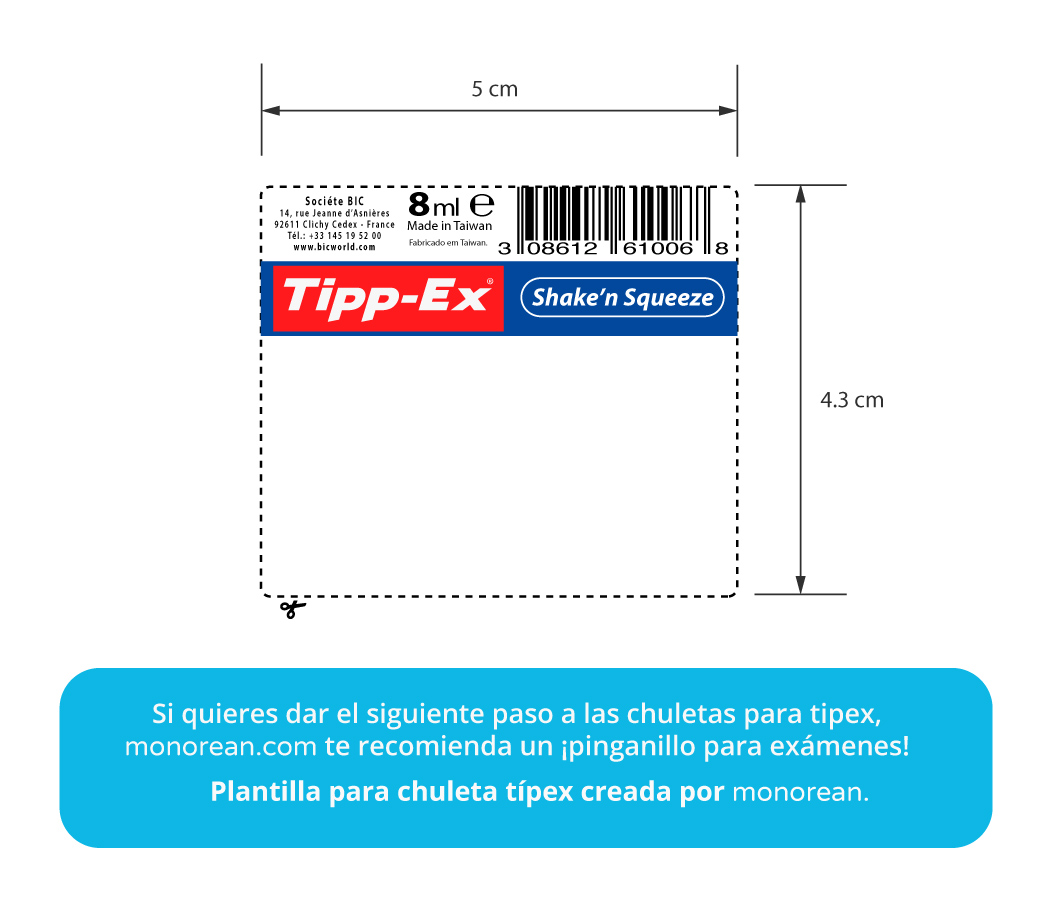
This Tipp-Ex template is for pen-style correction fluid from the Tipp-Ex brand, Shake’n Squeeze model.
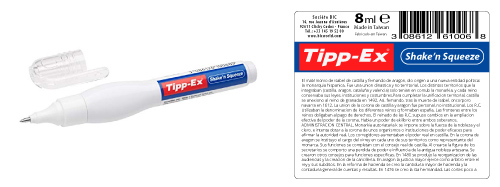 Preview of Tipp-Ex Shake’n Squeeze Liquid Corrector (8 ml) Template.
Link to download Tipp-Ex template in PDF (editable) Link to download full-quality Tipp-Ex template Link to download Tipp-Ex template for Word